Neuron for Zoho CRM
Authorization
When using the extension for the first time, you must go through the authorization process.
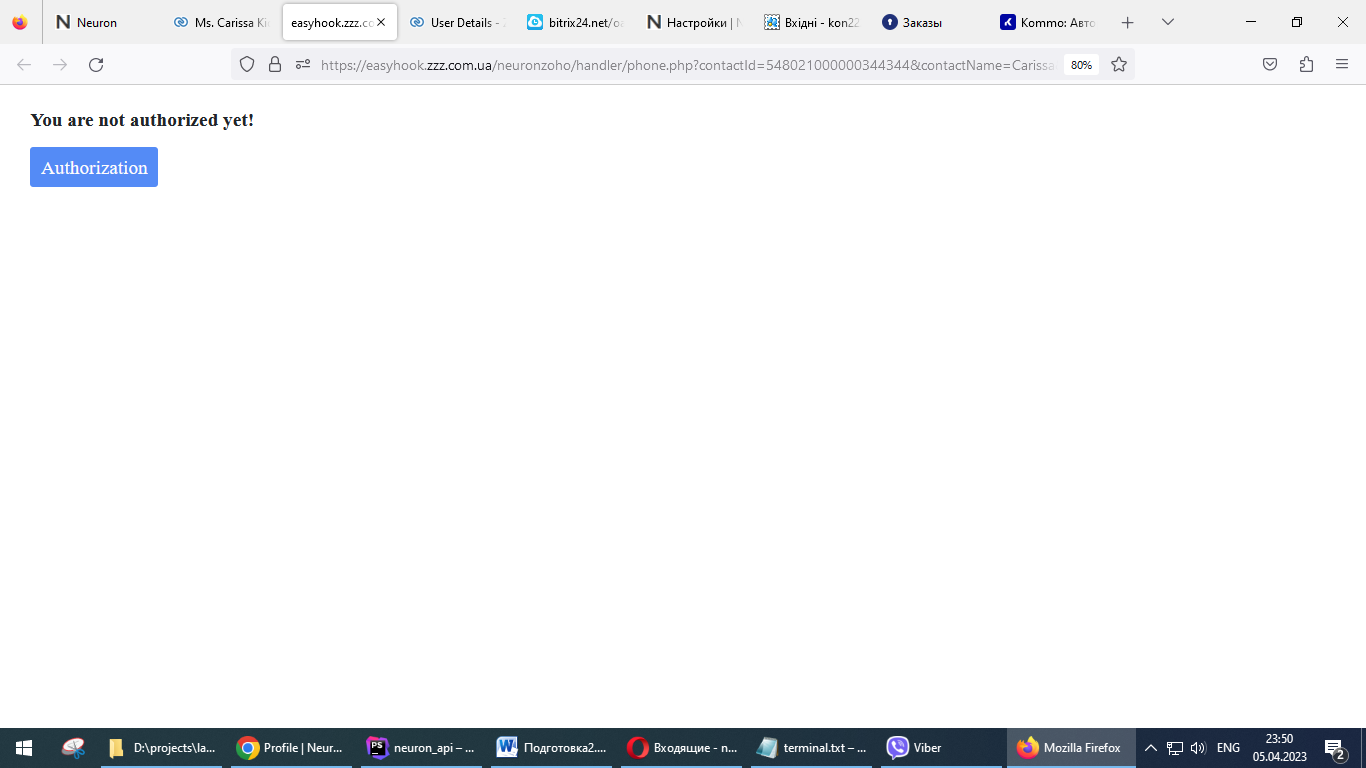
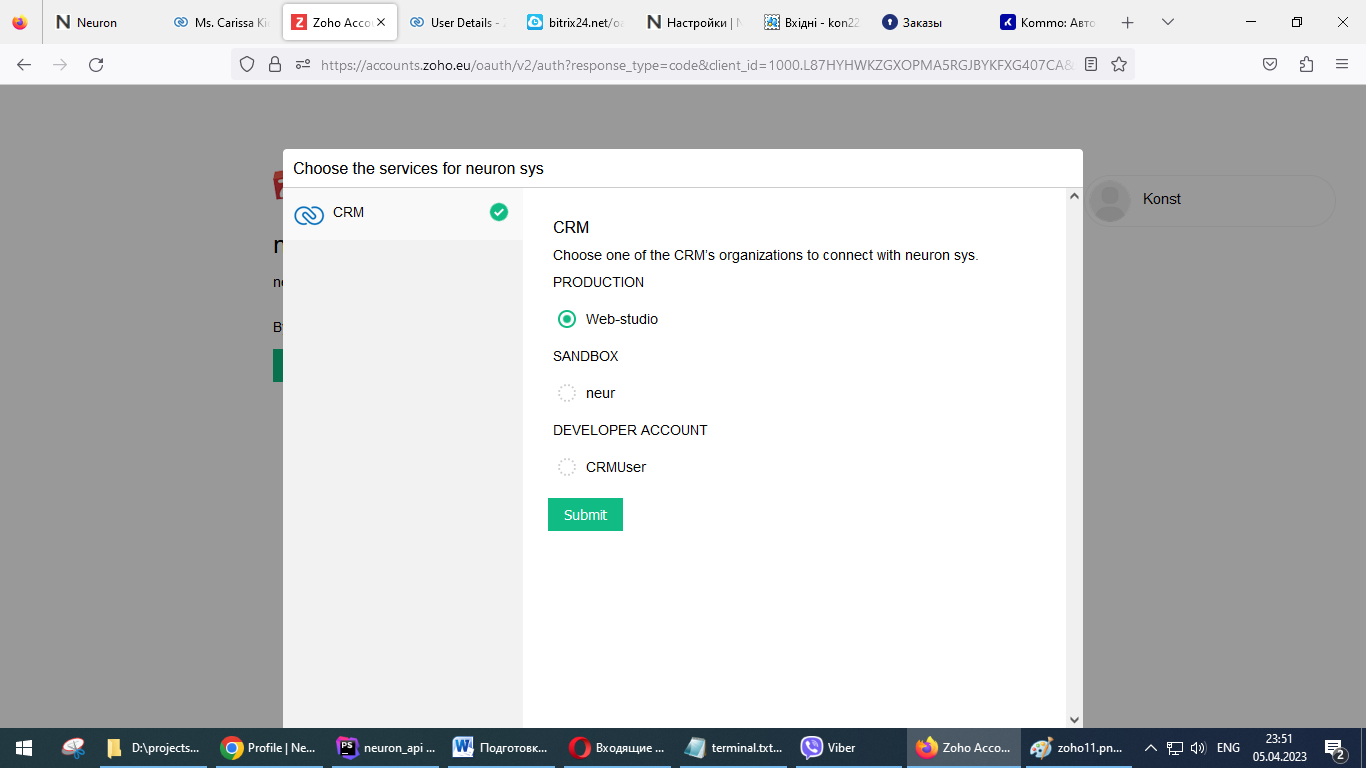
Choose a production account for your organization.
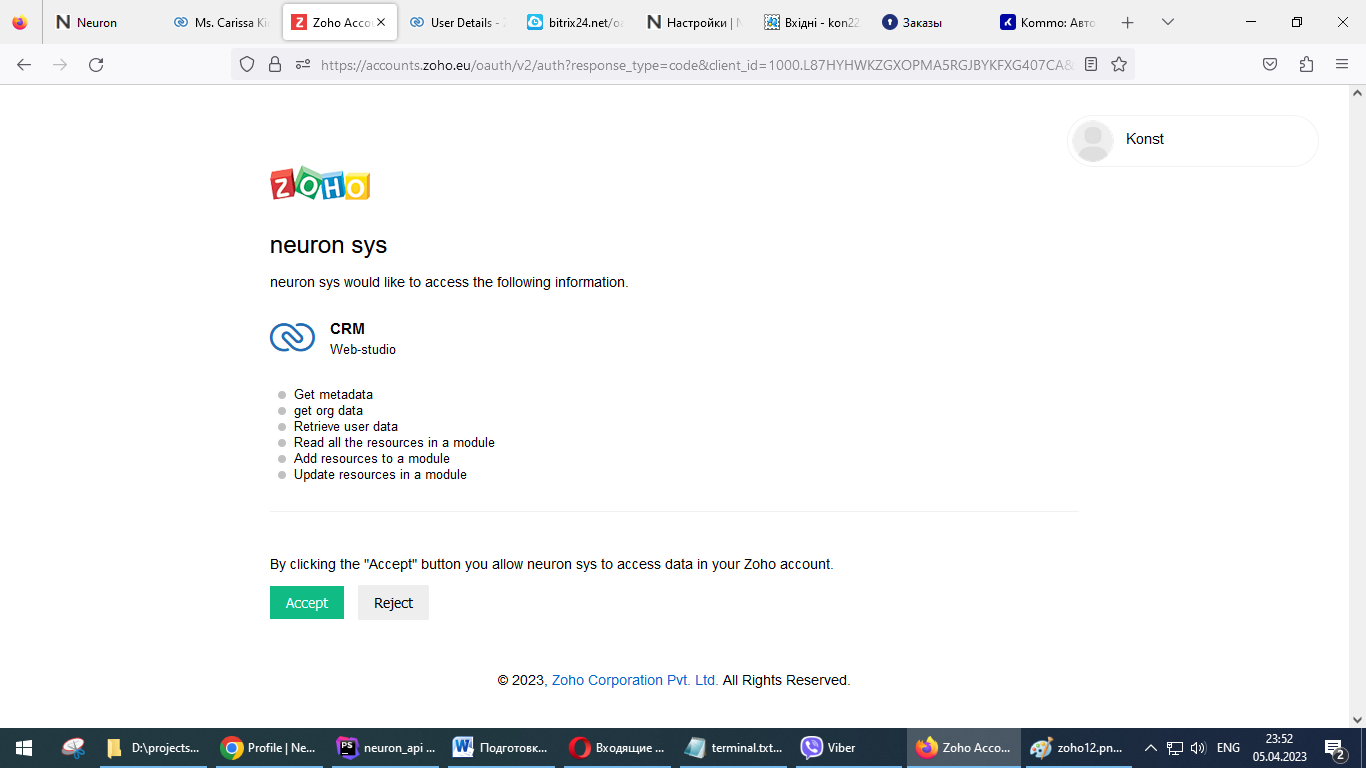
Confirm permission to access the listed data.
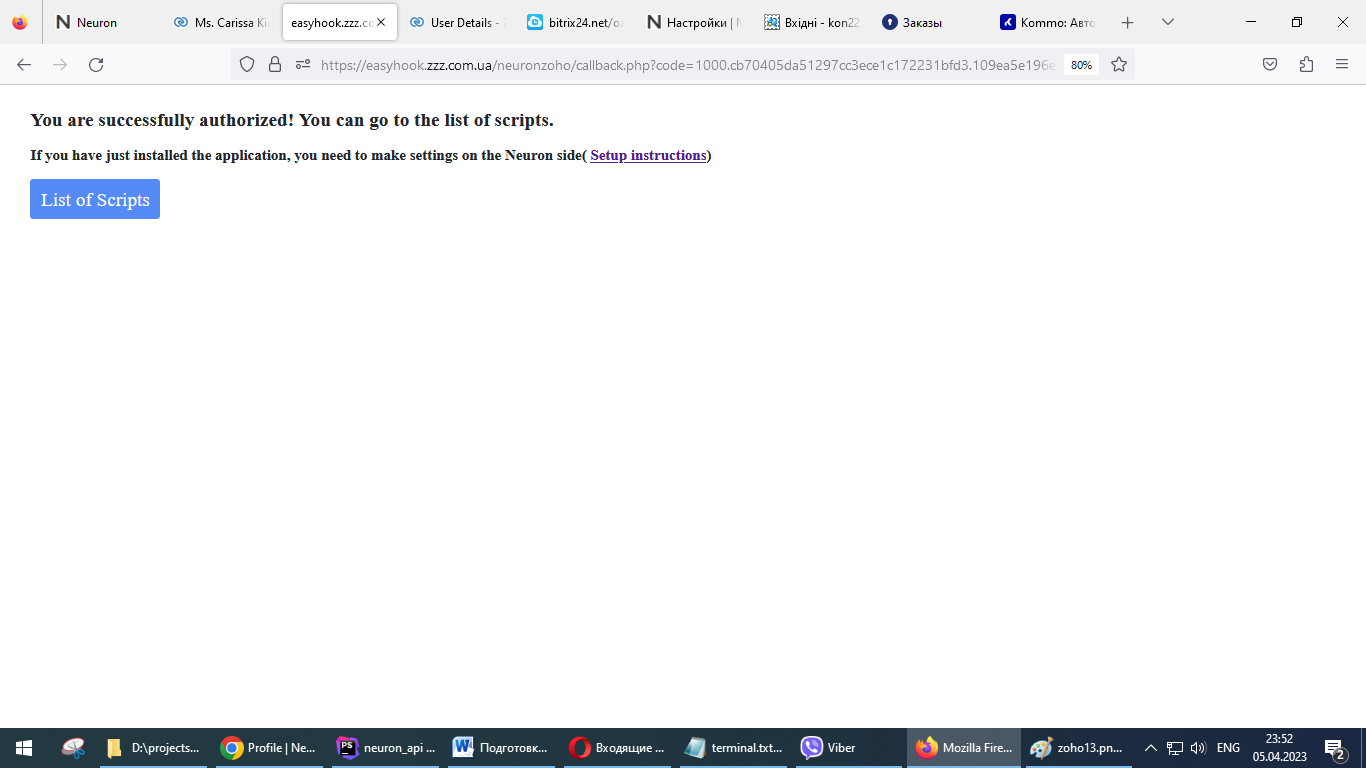
Make settings if necessary and go to the application.
Settings
After installing the extension, you need to make settings on the Neuron side.
You must have a Neuron account with administrator rights. If not, then you need to register: https://neuron-systems.com/register
Log in if necessary: https://neuron-systems.com/login
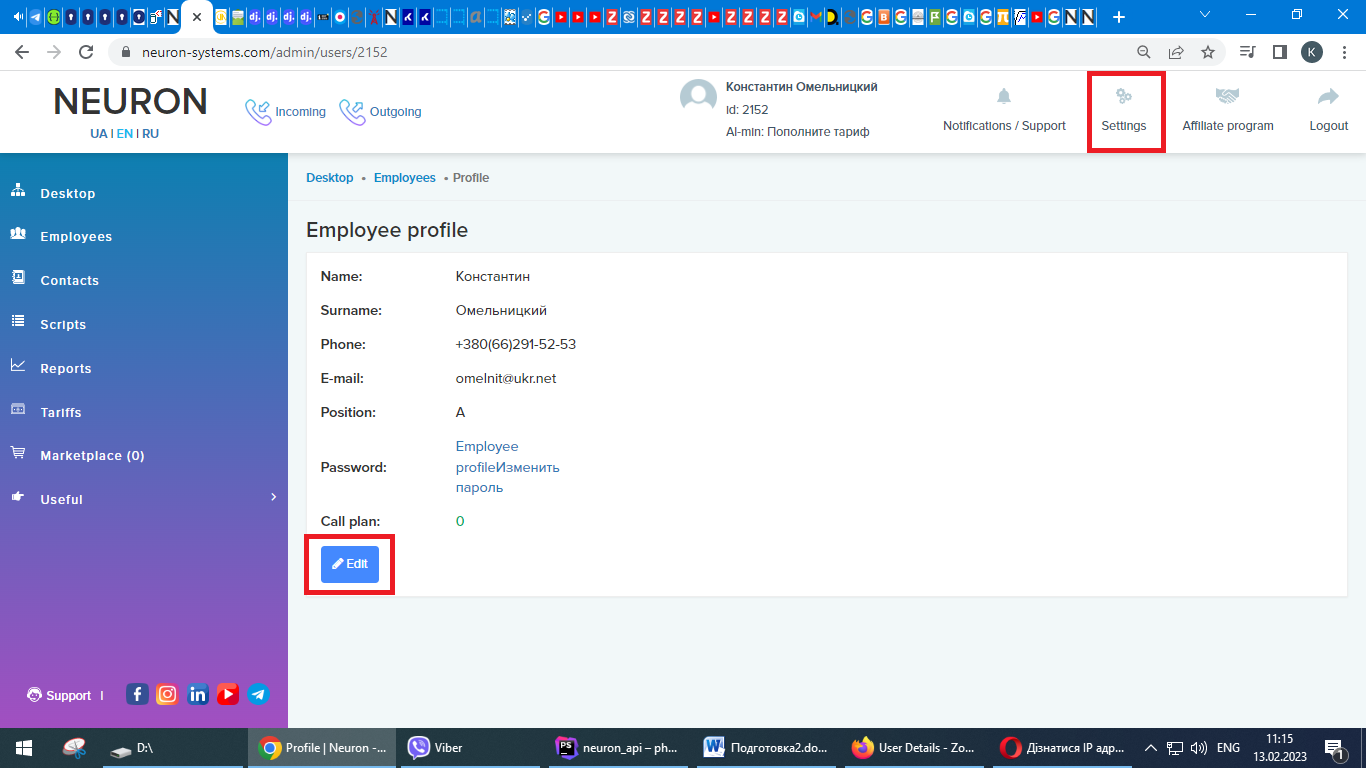
Go to Settings -> Edit
It is necessary to fill in the CRM Portal Address and Manager ID fields with the relevant data from Zoho CRM.
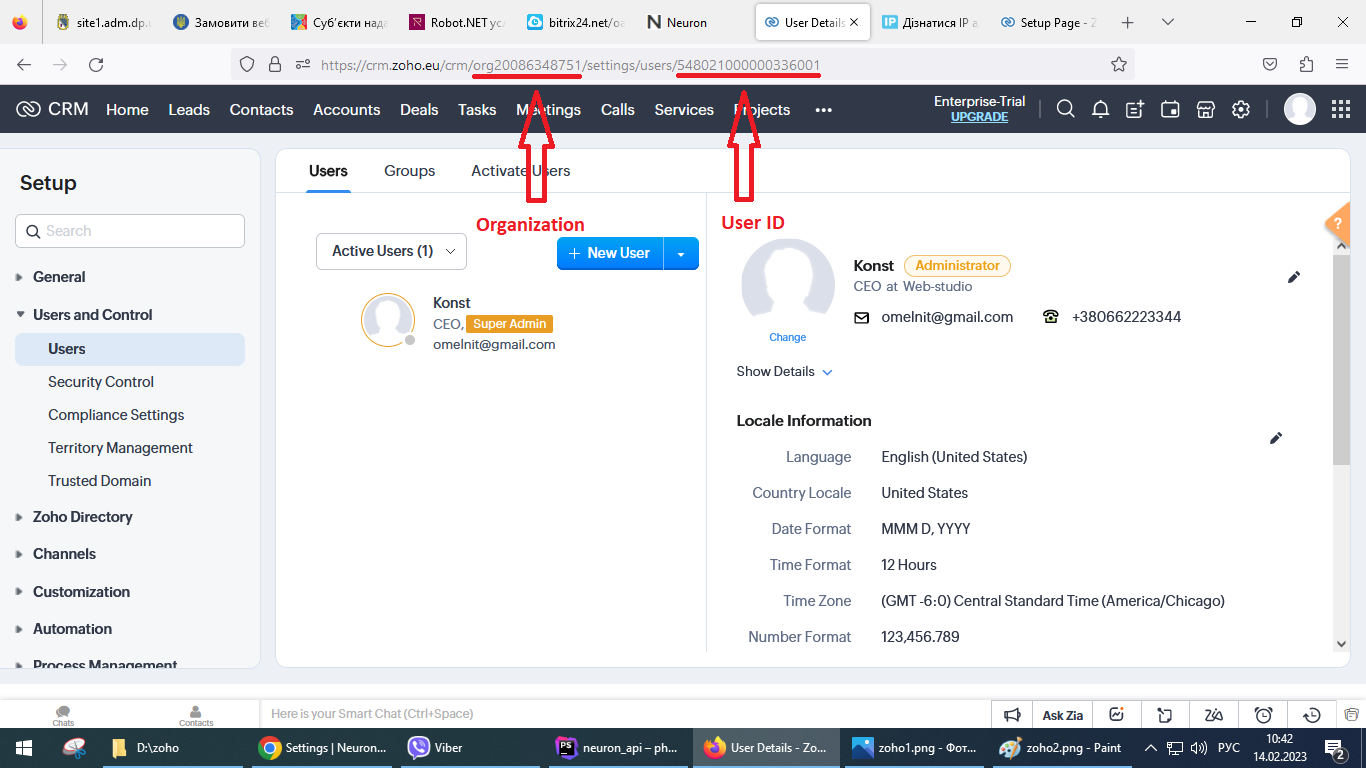
CRM portal address => Organization Domain Name
Manager ID => User ID
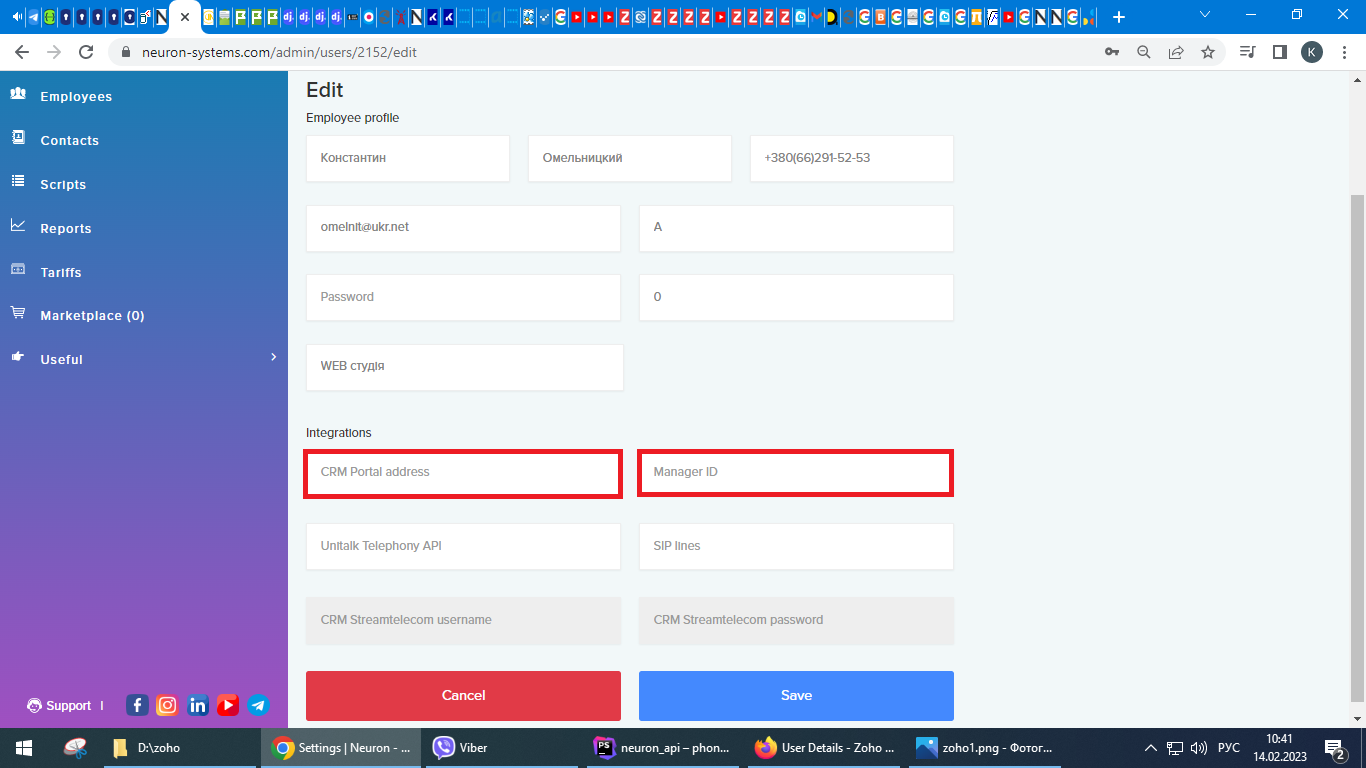
Save
For all other employees, only the manager ID field must be filled in.
Description of integration functionality
The extension allows you to use during a telephone conversation with a client, pre-created sales scripts with all sorts of customer response scenarios.
Instructions for creating scripts https://neuron-systems.com/admin/script - the link is only available to authorized users.
Modules: Lead, Contact, Account, Deal contain the Neuron button on the detailed page.
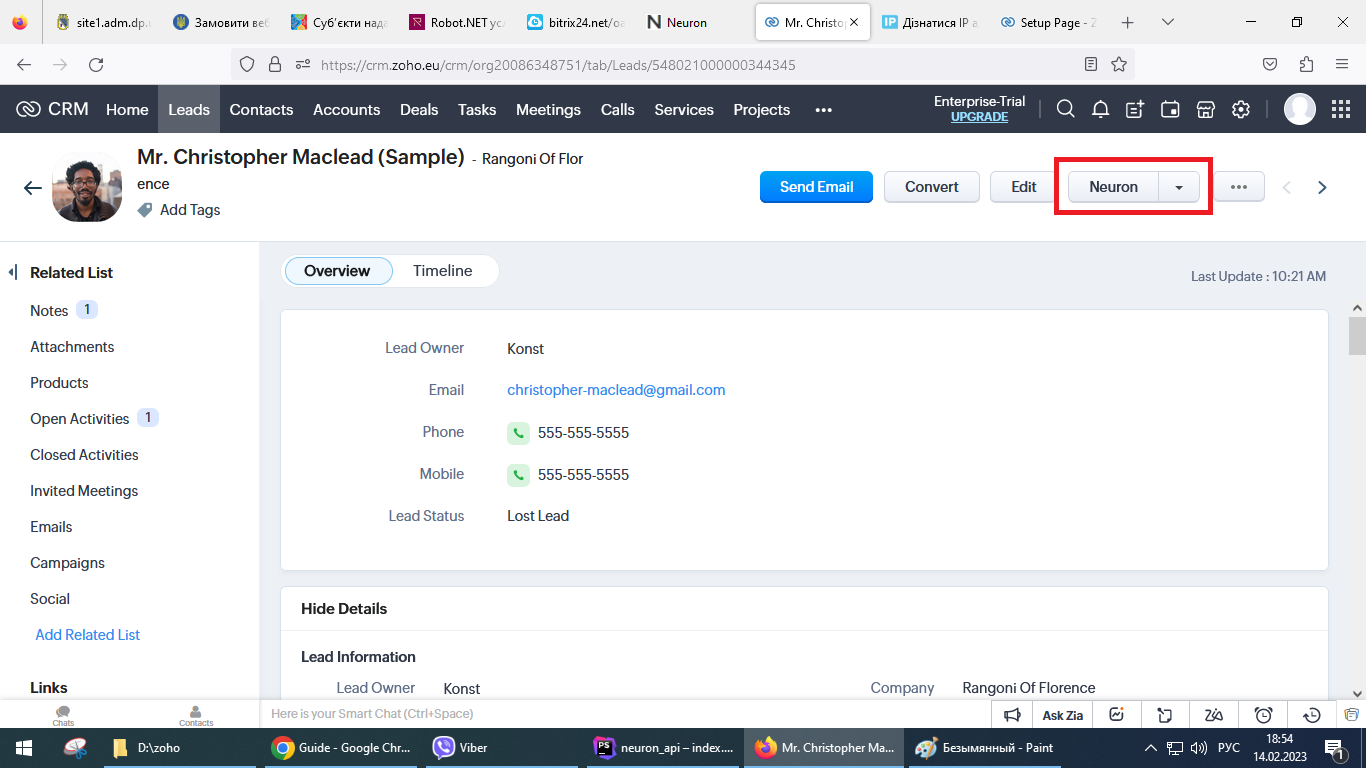
When clicked, a tab with a list of scripts opens (previously created in the Neuron system).
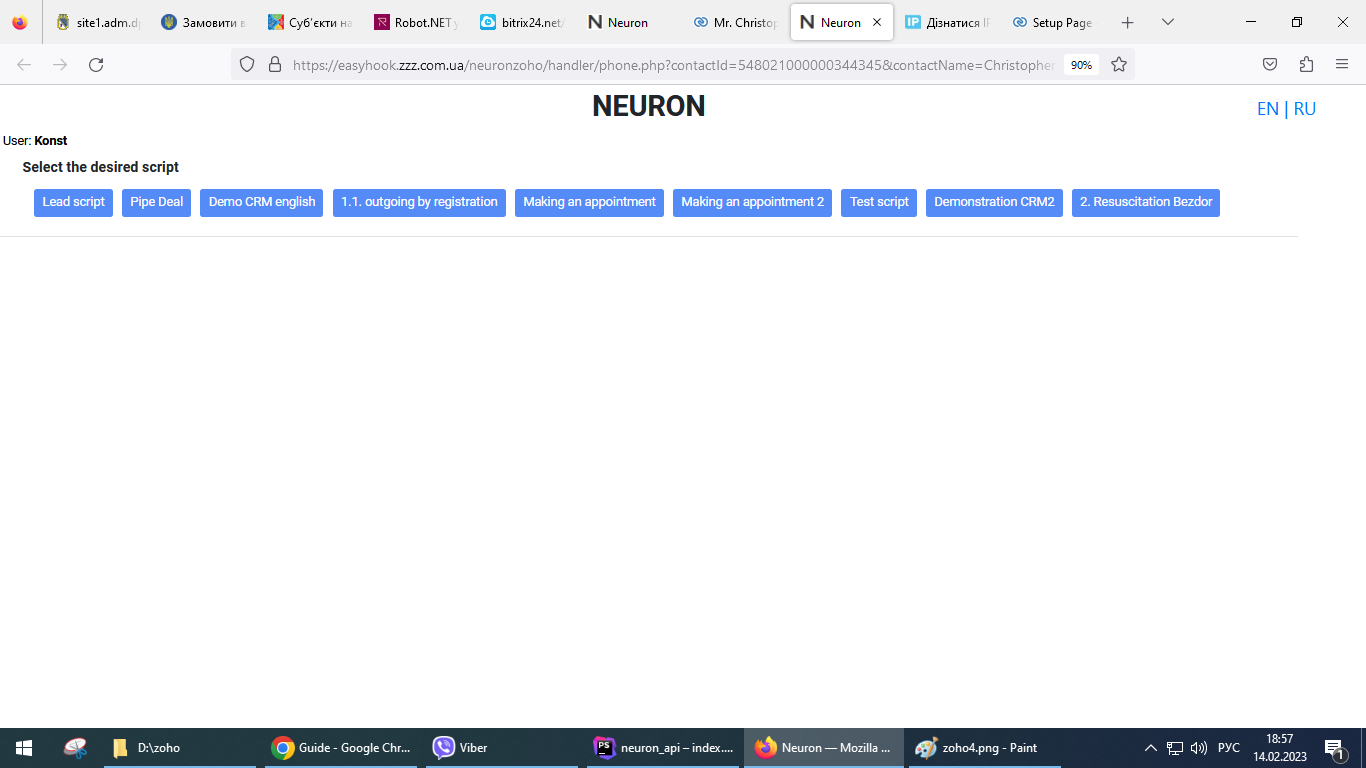
The user selects the required script and follows the established script telephone conversation.
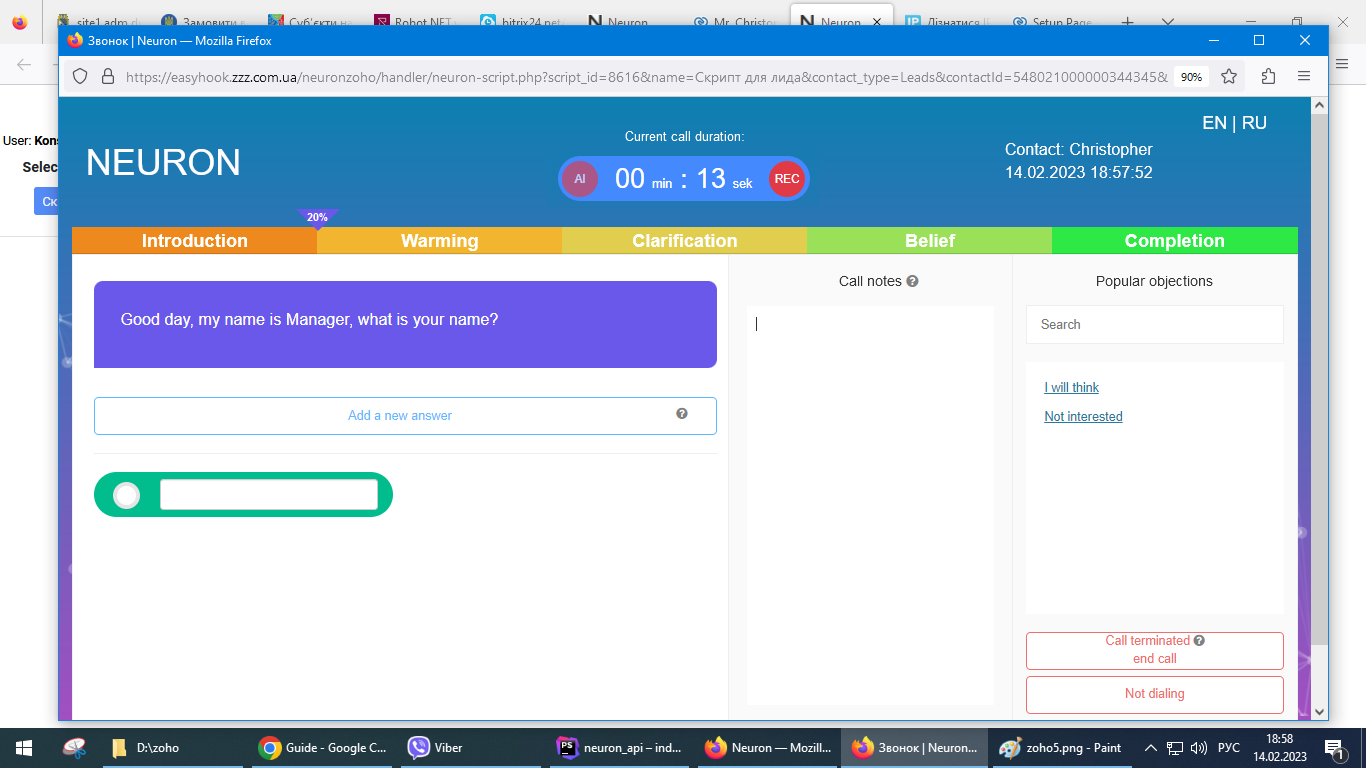
During the conversation (question -> answer), the data received from the client is recorded.
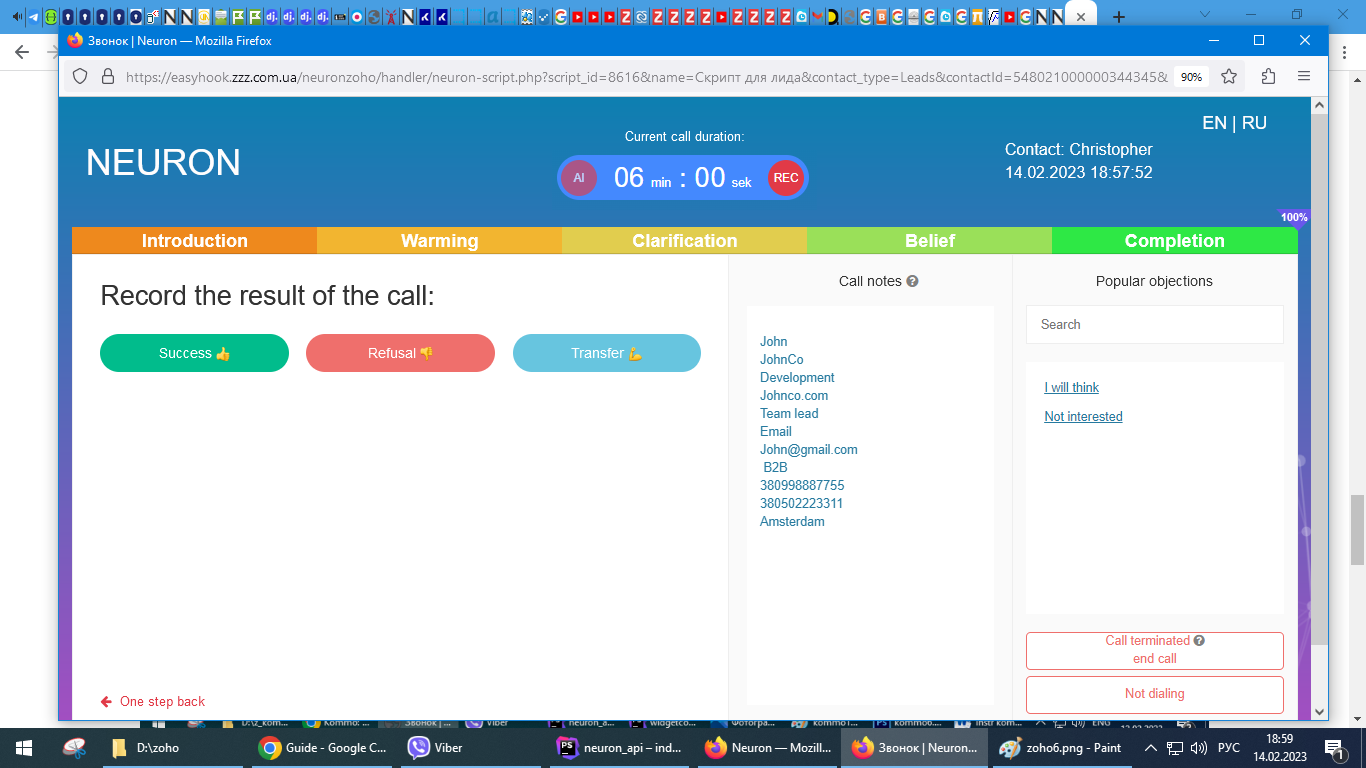
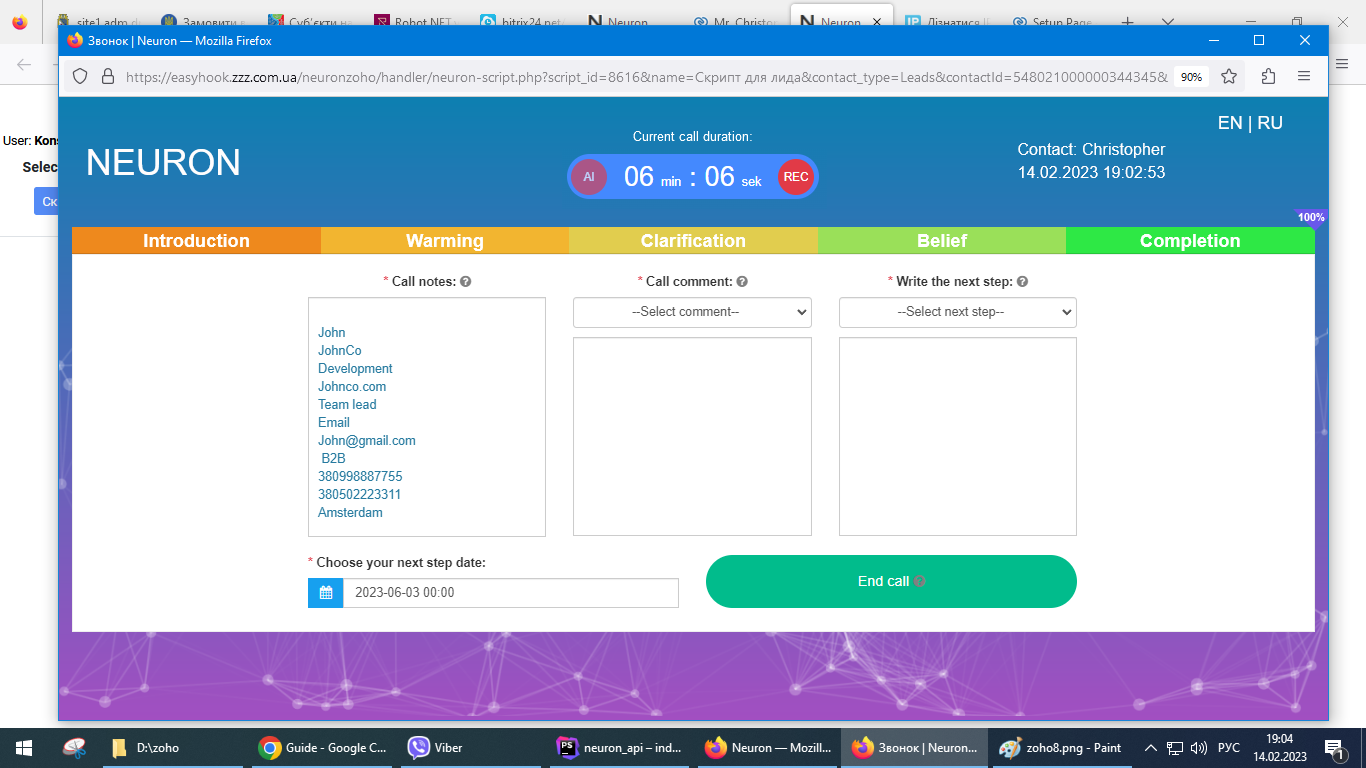
At the end of the conversation in the module from which the script was called, a Note, a Call are created and the module fields we need are filled in, if this is provided for by the script scenario.
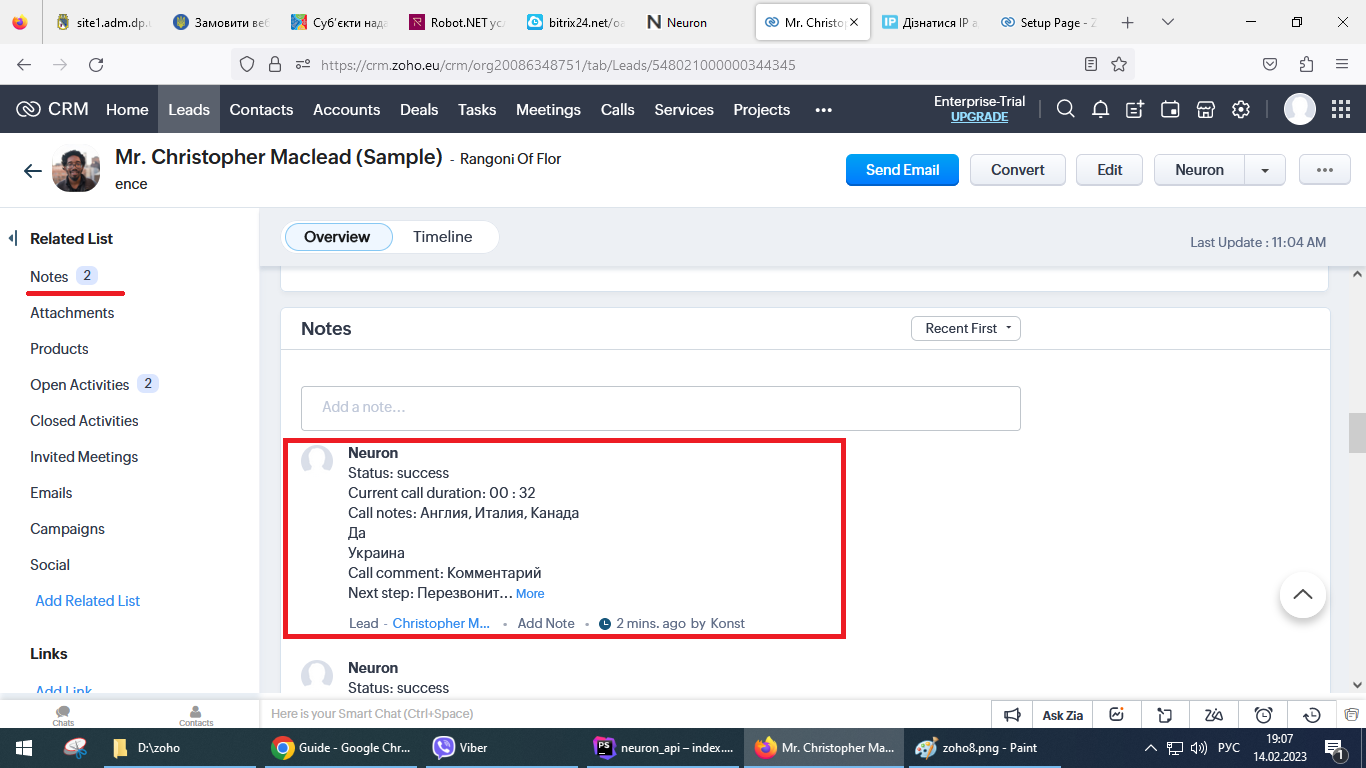
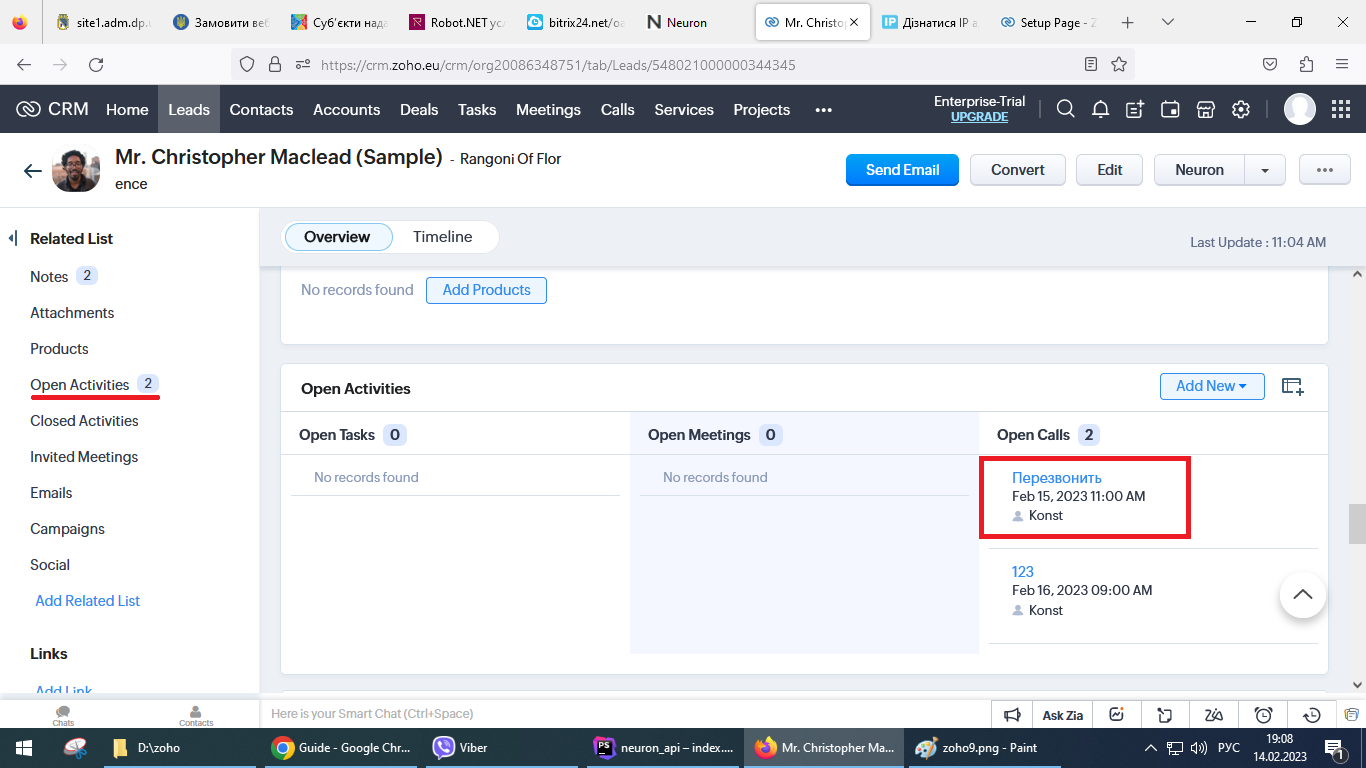
If the user wants, he can make a recording, which is stored on the user's local computer.